
Manual Patch is only applicable for the 476 client version.
Download Link:
Alternate Download links
MD5:4cc99a5d57d6d3ea61234af4ba2ca58a ec_patch_476-479.cup
MD5:950b0f8e7d9e992ac80d7d73880cc489 ec_patch_479-498.cup
Both Files should be in one folder.
Note: Create a backup of your PW Client
How to install
1. Open your Perfect World Client as Normal, click Patch File
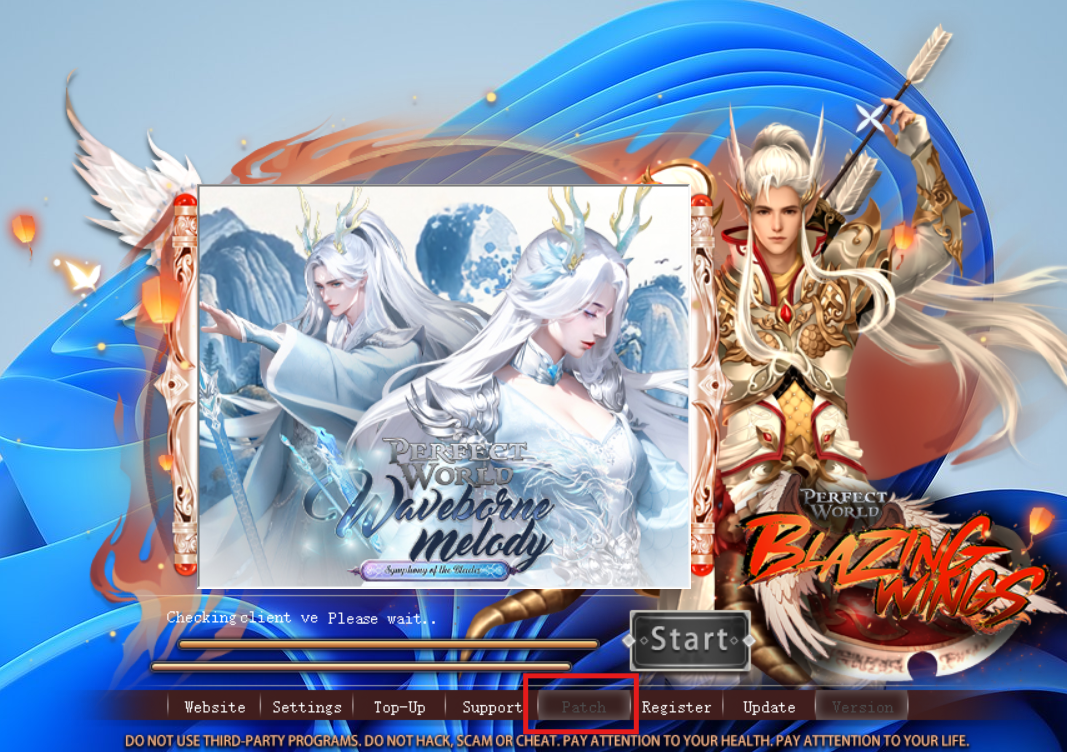
2. Click “Patch” button and locate the file ec_patch_476-479 and ec_patch_479-498
Note: all files should be in the same folder.

3. Wait for the updated files to finish.
4. Click OK after the update
5. Your client is now updated (version 498) and ready for Pangu’s Heart.
The Game client will only run after the Maintenance on March 25, 2026